星期四, 1月 14, 2010

[VM]vSphere client on win7

原文網址 : http://www.techhead.co.uk/running-vmware-vsphere-client-on-windows-7


Many of you, like myself, have started running Windows 7 as their primary desktop OS and find it to be a massive improvement over Windows Vista on so many levels.


One of the very few inconveniences I have found with it, and this is not an bug or problem with Windows 7 itself, is the inability to run the VMware vSphere Client.


UPDATE: Good News – This issue has now been resolved in VMware ESX/ESXi 4.0 Update 1 (U1).


When attempting to run the client the following errors are received and you are unable to proceed any further:


“Error parsing the server “<server name” “clients.xml” file.”


Error parsing the server “<server name” “clients.xml” file


“The type initializer for ‘VirtualInfrastructure.Utils.HttpWebRequestProxy’ threw an exception.”


The type initializer for ‘VirtualInfrastructure.Utils.HttpWebRequestProxy’ threw an exception


Luckily there have been a few good VMware forum posts such as this one by ftubio which outlines how to successfully run the vSphere Client under Windows 7.  I thought I’d put together this brief post with a few screenshots to outline the required steps.


I am running the x64 version of Windows 7 so you will notice that any reference to the ‘Program Files’ will have an ‘(x86)’ at the end of it.  If you are running the x86 version of Windows 7 then ignore the ‘(x86)’ portion of the directory path (ie: C:\Program Files (x86) –> C:\Program Files).


Follow these 4 basic steps and you’ll be up and running in no time!


Step 1.


imageDownload this DLL called system.dll


*Note:  This DLL is usually found in the  %SystemRoot%\Microsoft.NET\Framework\v2.0.50727\  directory of a non Windows 7 PC with  .NET v3.5 SP1 installed.

Step 2.


Once downloaded install it in the “C:\Program Files (x86)\VMware\Infrastructure\Virtual Infrastructure Client\Launcher\Lib” directory.  If the ‘lib’ directory doesn’t exist then create it and drop the dll file into it.


VMware vSphere Client Windows 7


Step 3.


Next edit the “VpxClient.exe.config” file which can be found in the “C:\Program Files (x86)\VMware\Infrastructure\Virtual Infrastructure Client\Launcher” directory and add the following three lines to it in the location specified in the screenshot below.  Then save the changes.


<runtime>

<developmentMode developerInstallation="true"/>

</runtime>


VMware vSphere Client Windows 7

Step 4. 


From the Windows 7 ‘System Properties’ click the ‘Advanced’ tab and then the ‘Environment Variables’ button as we want to add a new ‘System’ variable.


VMware vSphere Client Windows 7


Create a new ‘System’ variable called ‘DEVPATH’ and assign the following variable value:


C:\Program Files (x86)\VMware\Infrastructure\Virtual Infrastructure Client\Launcher\Lib


VMware vSphere Client Windows 7


You are now ready to start using the VMware vSphere Client on your Windows 7 machine!  Some people have reported having to run the client as an ‘Administrator’ so if you are having difficulties it may pay to try this – I luckily didn’t experience this problem. Also you will likely have to reboot your machine (or restart the explorer.exe process) for your new path information to come into effect.


VMware vSphere Client Windows 7

星期四, 8月 20, 2009

台灣加油!!

[youtube=http://www.youtube.com/watch?v=eCpqip_Y0V0]

影片製作團隊與幕後花絮:http://www.wretch.cc/blog/jrray/16308653

星期五, 6月 26, 2009

[哀]RIP Michael Jackson

今天早上看到plurk上面的消息


小弟年輕時的偶像之一死了


心中真的有點小小感觸


http://www.youtube.com/results?search_query=michael+jackson&search_type=&aq=0&oq=mic


編輯了很多次,最後留下moon walk....


他是神~


[youtube=http://www.youtube.com/watch?v=V0oKgwAL2vQ&feature=fvw]

星期四, 6月 04, 2009

英國有人才2009總決賽

[youtube=http://www.youtube.com/watch?v=kZCw42UopdU]

星期三, 5月 27, 2009

噗浪>plurk

開始玩噗浪~

http://www.plurk.com/ernykuan

星期二, 5月 26, 2009

[官方下載] Windows 7 RC 開放下載,附序號、免費使用一年!(含繁體中文語言包)

原文:http://briian.com/?p=6255


# 軟體名稱:Windows 7作業系統

# 軟體版本:RC

# 軟體語言:英文

# 軟體性質:試用版(可使用至2010年6月1日)

# 官方網站:按這裡

# 下載頁面:按這裡 (需使用IE開啟、登入hotmail帳戶,可取得序號)

# 中文語言包:BT種子eMule下載連結便當狗(載點來源Mobile01據說是官方版本,包含x86與x64版,請謹慎試用),另有「台版佈景主題」。

跟Steve Jobs學簡報

iTome online 蔡學鏞 寫的 Steve Jobs 簡報技巧整理:


1. 跟Steve Jobs學簡報(1)看蘋果大會如何開場 http://www.ithome.com.tw/itadm/article.php?c=44390

2. 跟Steve Jobs學簡報(2)如何演出唱作俱佳的簡報 http://www.ithome.com.tw/itadm/article.php?c=44492

3. 跟Steve Jobs學簡報(3)設計一張有Apple味道的簡報 http://www.ithome.com.tw/itadm/article.php?c=44611

4. 跟Steve Jobs學簡報(4)以蘋果人的幽默掌握聽眾情緒 http://www.ithome.com.tw/itadm/article.php?c=44694

5. 跟Steve Jobs學簡報(5)製造演說高潮,畫下完美句點 http://www.ithome.com.tw/itadm/article.php?c=44815

Flush Dns Cache - Linux, Windows, MAC

原文:http://chiahu.com/blog/?p=357


Flush Dns Cache - Linux, Windows, MAC (clear dns negative entry) Posted on 九月 30th, 2008 佳湖 No comments

Flush DNS cache for Microsoft Windows


To do this simply enter: ipconfig /flushdns in a command prompt.


* Start -> Run -> type cmd

* type ipconfig /flushdns (in command prompt)

* DONE. DNS Cahe has just been flush.


This should work on Windows XP, Windows 2000, and possibly other versions of Windows.

Flush DNS cache for LINUX


In linux if you want to flush DNS cache you need to restart nscd daemon


* type /etc/rc.d/init.d/nscd restart in your terminal

* or sudo /etc/init.d/nscd restart

* Once you run the command your linux DNS cache will flush.


Flush DNS Cache on MAC OS X


Mac OS X - Clearing / flushing the DNS Cache:


* For Leopard, type in your terminal: sudo dscacheutil -flushcache * For Tiger, type in your terminal: lookupd -flushcache


Once you run the command your DNS cache (in Mac OS) will flush.

星期五, 5月 22, 2009

How To Build A High Performance FC-iSCSI SAN using an HP DL580 G5 Server

How To Build A High Performance FC-iSCSI SAN using an HP DL580 G5 Server

http://www.las-solanas.com/storage_virtualization/san_fc_virtualization_hp_dl580.php

星期四, 5月 21, 2009

保護虛擬環境的關鍵做法

原文:http://autoit.tw/bbs/redirect.php?fid=75&tid=4721&goto=nextoldset


保護虛擬環境的關鍵做法


我們將針對目前主要x86虛擬化平臺,整理出備份、備援與高可用性機制,分析不同的類型,找出現行對應的做法與解決方案。以下分為三大部分來討論。


Part1 虛擬環境更需要資料保護

虛擬化技術可讓資源集中,但風險也會隨之集中。「單點故障危害範圍大幅增加」與「共享資源,影響服務品質的維持」是可能造成的兩種風險。可以透過備份、備援解決虛擬化帶來的故障風險增加問題。


Part2 虛擬環境資料保護的作法


作法1 虛擬環境的備份

虛擬環境的備份可依工作執行層級與複本型態做不同區分,依工作執行層級可分成虛擬主機端、實體主機端與儲存端;從複本型態則有應用程式檔案或元件、磁碟映像(Image)與邏輯磁碟機等三個層級。


作法2 虛擬環境的備援

對某些執行關鍵任務、不允許服務中斷,或僅允許極短暫中斷的系統來說,由於從備份複本還原系統所需時間不等,因此僅有備份便不能滿足需要。這時候就必須讓可在極短時間內接續原系統服務的備援系統上場,構成具備自動失效轉移能力的高可用性系統。


作法3 協助維護升級:線上遷移

不中斷服務的線上遷移虛擬機器功能,是協助虛擬環境用戶執行實體主機維護與升級作業的一大利器。依廠商說法,這種線上遷移作業造成的系統中斷,可低到幾秒甚至幾毫秒,原先提供服務的虛擬機器,已經從一臺實體主機被搬移到另一臺實體主機上了。


作法4 保障存取資源:負載平衡

虛擬環境中一般會有分別負擔不同服務的多個虛擬機器,而這些服務通常會有優先順序的區別,也就是某個虛擬機器執行的服務比另一個虛擬機器的服務更重要,顯然的,更重要的服務就需要更優先資源分配。


星期一, 10月 20, 2008

RMAN Backup/Recovery 測試範例

原文來自::http://www.odba.idv.tw/rman1.htm

不過網站資料已經遺失了

我是從google的cache找到的


星期一, 10月 06, 2008

[轉]ORACLE備份策略

原文::ORACLE備份策略


純粹轉繁體+自己備份文章

星期四, 9月 11, 2008

rman backup step

1、切換伺服器歸檔模式,如果已經是歸檔模式可跳過此步:

sqlplus /nolog (啟動sqlplus)

SQL> conn / as sysdba (以DBA身份連接資料庫)

SQL> shutdown immediate; (立即關閉資料庫)

SQL> startup mount (啟動實例並載入資料庫,但不打開)

SQL> alter database archivelog; (更改資料庫為歸檔模式)

SQL> alter database open; (打開資料庫)

SQL> alter system archive log start; (啟用自動歸檔)

SQL> exit (退出)

oracle11gR1 on win2003R2 64 cluster with OFS

四、安裝Oracle DB For Windows

先在第一台、第二台分別安裝Oracle DB,安裝過程如下:


星期三, 8月 20, 2008

[wow]2008/8/19 埃雷達爾雙子FD


LOOT第一頁,第二頁沒拍到orz


星期二, 7月 22, 2008

星期五, 6月 20, 2008

oracle 10g OEM 按鈕亂碼

原文::http://www.homeweb.idv.tw/482


  這次因為測試的需要,以 SuSE Linux Enterprise 10 為平台,建立了一台 Oracle 10gR2,依照一般程序安裝完畢後,登入 OEM 卻發現,一般文字的中文顯示沒有問題,但是所有按鈕的中文字卻都是口口。


  上網翻了一下許多文章,一般的說法都是需要進行以下動作:

1. 先停止 OEM

emctl stop dbconsole


2. 分別進入以下三個路徑

$ORACLE_HOME/jdk/jre/lib

$ORACLE_HOME/jre/1.4.2/lib

$ORACLE_HOME/javavm/lib/ojvmfonts


3. 在每個目錄都透過以下指令覆蓋檔案

cp font.properties.zh_TW.Redhat font.properties


4. 進入 OEM 的圖示路徑,清除之前的檔案

cd $ORACLE_HOME/oc4j/j2ee/oc4j_applications/applications/em/em/cabo/images/cache/zht

rm *.gif

rm *.imx


5. 啟動 OEM

emctl start dbconsole


最後有許多人成功,也有許多人失敗,當然我也是失敗的其中一人。後來發現 font.properties.zh_TW.Redhat 的最後一行:

filename.-arphic_technology_co.-ar_pl_mingti2l_big5-medium-r-normal--*-%d-*-*-c-*-iso10646-1=/usr/share/fonts/zh_TW/TrueType/bsmi00lp.ttf

SuSE 也有這個 TrueType 字型,只是放置的路徑不同,因此我就修改了一下覆蓋後 font.properties 設定:

filename.-arphic_technology_co.-ar_pl_mingti2l_big5-medium-r-normal--*-%d-*-*-c-*-iso10646-1=/usr/X11R6/lib/X11/fonts/truetype/bsmi00lp.ttf


一樣清除 *.gif 與 *.imx 之後,重新啟動 OEM 之後,OEM 的按鈕就出現中文了。


PS:在文章 http://tw.myblog.yahoo.com/bullock0425/article?mid=464&prev=467&next=462 有提到: bsmi00lp.ttf 字體可以在 http://cle.linux.org.tw/fonts/Arphic/bsmi00lp.ttf 下載

星期一, 3月 24, 2008

[wow]簡單快速修改武器

原文::http://forum.gamer.com.tw/C.php?page=3&bsn=05219&snA=248550&read=&tnum=119&locked=F&subbsn=0&Bpage=1


最簡單的改法 (免起動器)

改 itemcache.wdb


英文語音 在 \World of Warcraft\Cache\WDB\enTW

中文語音 在 \World of Warcraft\Cache\WDB\zhTW


先把 itemcache.wdb 砍掉 然後 進遊戲,(最好是沒啥人的地方)

在退出遊戲,itemcache.wdb 會重生一個


然後把 itemcache.wdb 拉近 wdbconvert.exe

會轉換成 itemcache.wdb.csv 用筆記本 開啟


例如 我要將 食人妖剋星 (代碼47011) --> 埃辛諾斯戰刃 (代碼45479)


先搜尋 食人妖剋星 把代碼 改成 45479

就完成了


改好後你進遊戲會發現蛋蛋副手居然是放在腰部的 怎麼辦?

第21位,那就是武器的位置代碼。(01=正背,一般單手武器是這個,02=反背,一般雙手武器是這個,03=腰, 07=隱藏)


原本


,"",0,0,0,0,0,1,3,0,0,0,0,90,0,0,0,0,0,0,0,0,0,0,0,0,0,275,0,


倒數第21個代碼 3 改成1 就是背著的啦


,"",0,0,0,0,0,1,1,0,0,0,0,90,0,0,0,0,0,0,0,0,0,0,0,0,0,275,0,


wdbconvert 下載

http://justicechan.myweb.hinet.net/wdbconvert.rar

星期五, 3月 21, 2008

[wow]sunwell mv(中文字幕)

[youtube=http://www.youtube.com/watch?v=eAaYHXqCeZg&hl=zh_TW]

[mv]送給伍佰的生日禮物 - 再見‧晚風

[youtube=http://www.youtube.com/watch?v=1IPtQcQ50As&hl=zh_TW]


來自一位馬來西亞的女生(據說~

很有fu

星期六, 3月 15, 2008

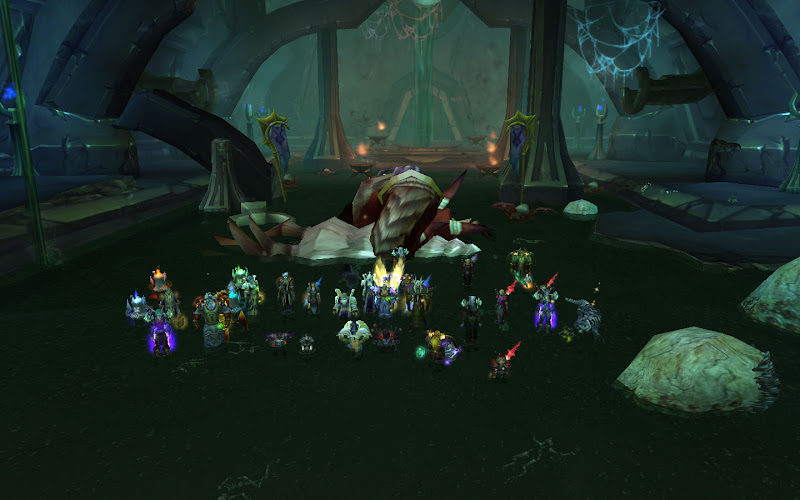
[wow]GGroup首推伊利丹‧怒風 TBC Clear!

http://www.erny.idv.tw/ggbbs/viewthread.php?tid=782&extra=page%3D1


星期一, 2月 25, 2008

[wow]GGroup首推伊利達瑞議事

http://www.erny.idv.tw/ggbbs/viewthread.php?tid=737


星期日, 2月 24, 2008

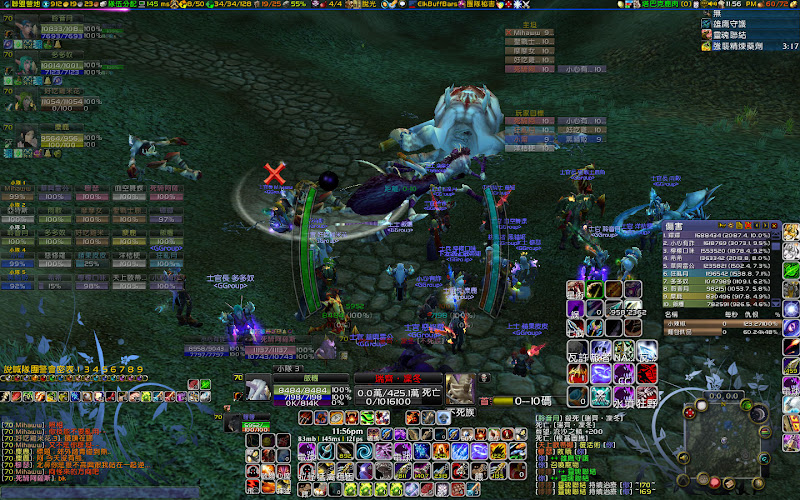
[wow]GGroup首推薩拉茲女士

http://www.erny.idv.tw/ggbbs/viewthread.php?tid=734&extra=page%3D1


星期三, 2月 20, 2008

[wow]GGroup首推靈魂精華(補貼)

http://www.erny.idv.tw/ggbbs/viewthread.php?tid=719&extra=page%3D1

星期一, 2月 18, 2008

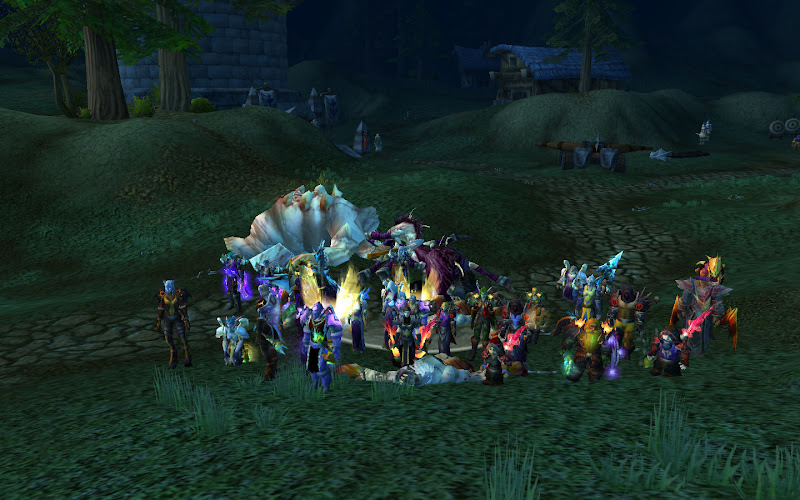
[wow]GGROUP阿克蒙德


2008/01/23FD 拍攝2008/02/18

[wow]GGROUP葛塔格‧血沸


2008/02/13FD 這是2008/02/15拍的

星期三, 2月 13, 2008

[wow]GGroup首推葛塔格‧血沸(補貼)

http://www.erny.idv.tw/ggbbs/viewthread.php?tid=662&extra=page%3D1

星期三, 12月 26, 2007

星期一, 12月 24, 2007

2007年末

這個2007...還真的是很特別的一年


年初的DG結束營業

在因緣巧合下來到新的公司

唯一沒有想到的,這還是間SI


新的人,新的事

從陌生到熟悉

又從熟悉到分開


是啊~來來去去

人生還不就這麼回事?


遊戲人生!

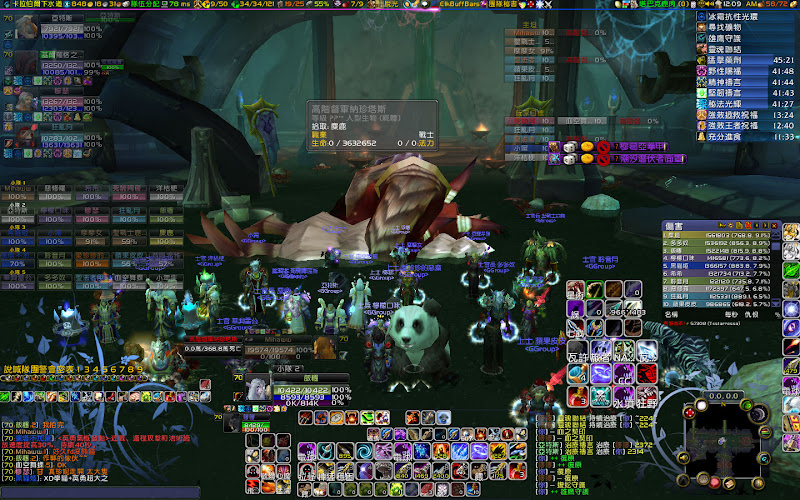
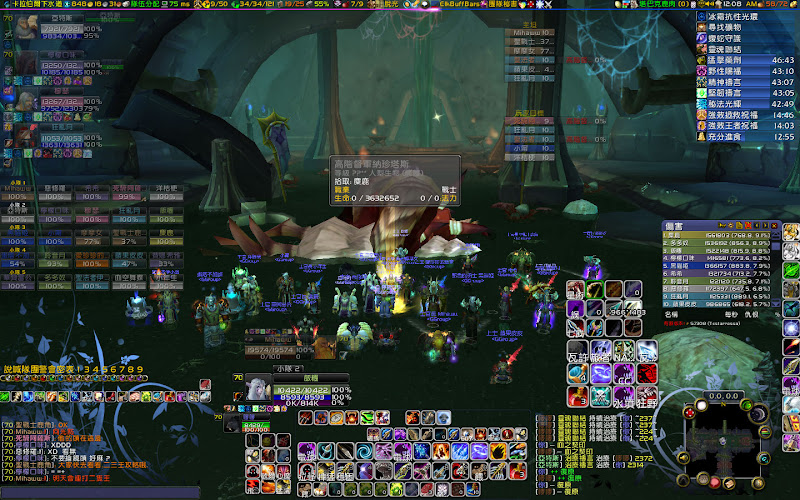
[wow]GGroup首推高階督軍納珍塔斯


星期二, 12月 11, 2007